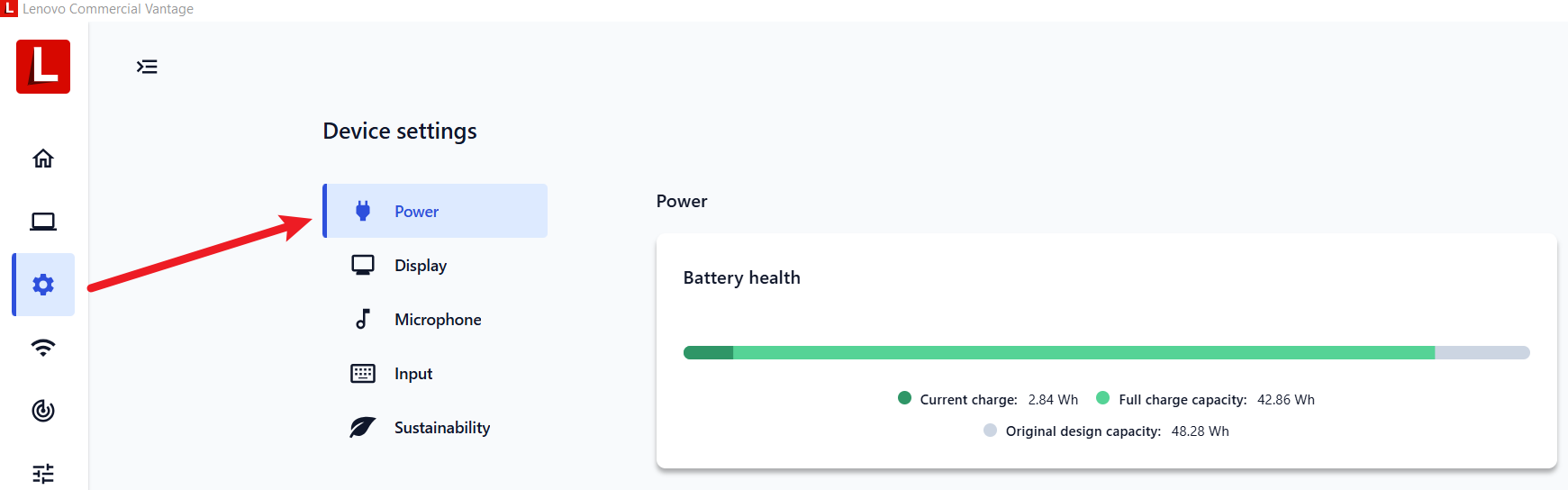
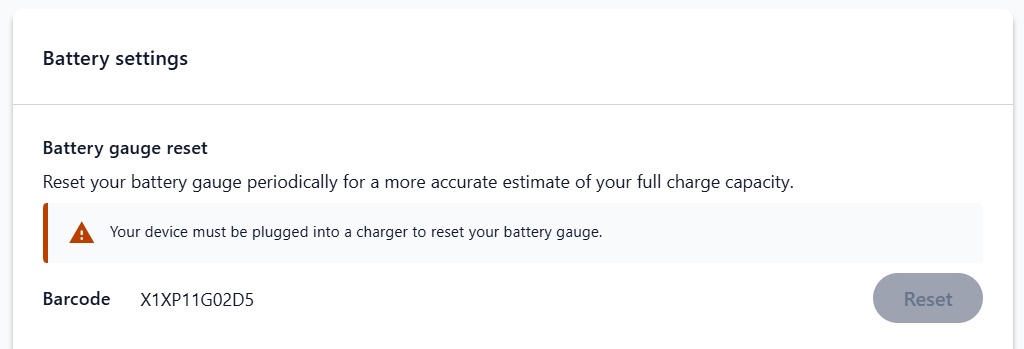
For the last 5 years I’ve been using a Lenovo X1 Nano Gen 1 laptop without much issue; however, recently the battery seems to drain super quickly (100% to 10% in less than an hour) with a worry that maybe I had a faulty/failing battery. After a busy day away from a charger and noticing that the battery was sitting at 7% for seemingly hours it turns out I just needed to run the Lenovo battery gauge reset (battery calibration) tool.
SOLUTION: From the Lenovo Commercial Vantage tool head to Device Settings > Power > Battery Settings > Battery gauge reset. Note that you’ll need your charger as part of the process, it took many hours (just do it overnight). Yet to work out exactly how long the battery will go for but casual observation is showing it might be back to 4-6 hours operation.